Laptop Stand vs. Monitor Stand: Which is Best for a Small Desk? (10 Key Criteria)
This article contains affiliate links. If you purchase through these links, we may earn a small commission at no extra cost to you.
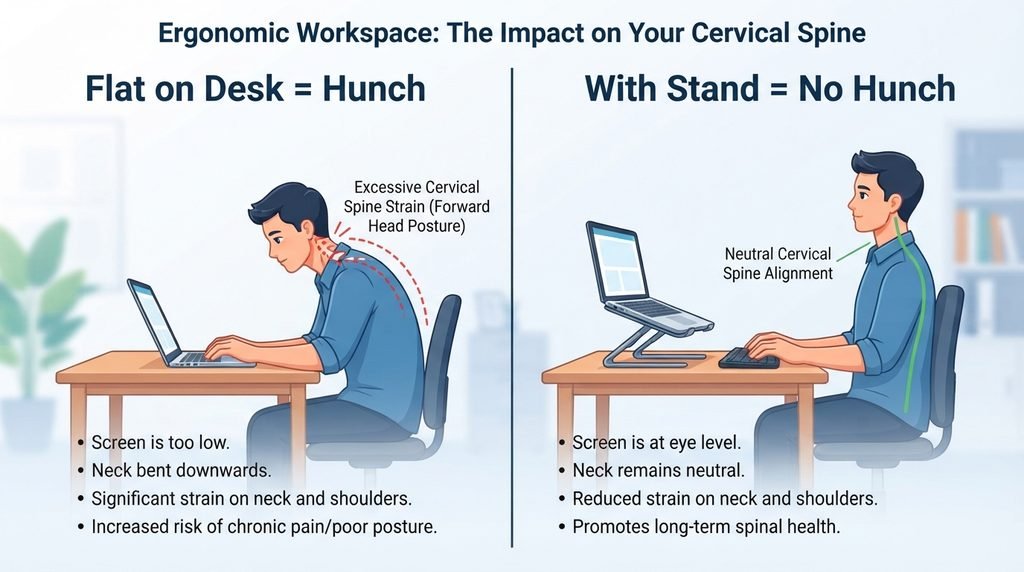
Working from a tiny apartment desk, a bedroom corner, or a shared kitchen table can feel fine for the first hour. But soon, the inevitable neck ache sets in. Leaving your screens flat on your desk guarantees your posture will collapse into a forward-leaning “turtle” hunch, causing severe strain on your neck and shoulders.
In a small home office, every square inch of desk space is precious. Adding bulky accessories can actually make your workspace feel more cramped.
This guide breaks down the ultimate battle of laptop stand vs monitor stand specifically for small desks. We will analyze the core ergonomic benefits, compare them across 10 strict usability criteria, and help you choose the setup that clears the clutter and saves your spine.
The Core Difference: How They Elevate Your Workflow
Before choosing between a laptop stand and a monitor stand, it is essential to understand what problems they are fundamentally built to solve in an ergonomic workstation alignment.
The Laptop Stand
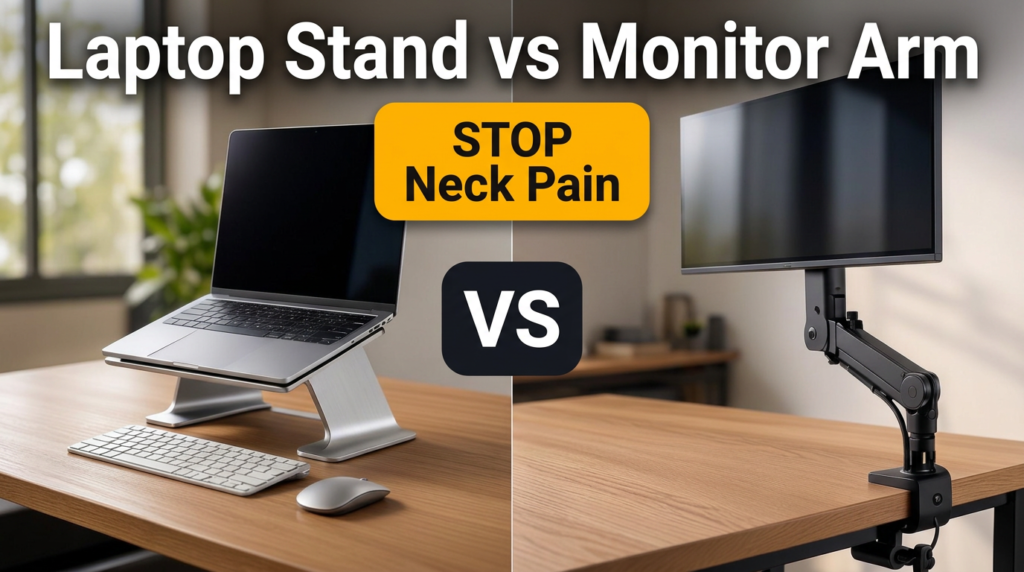
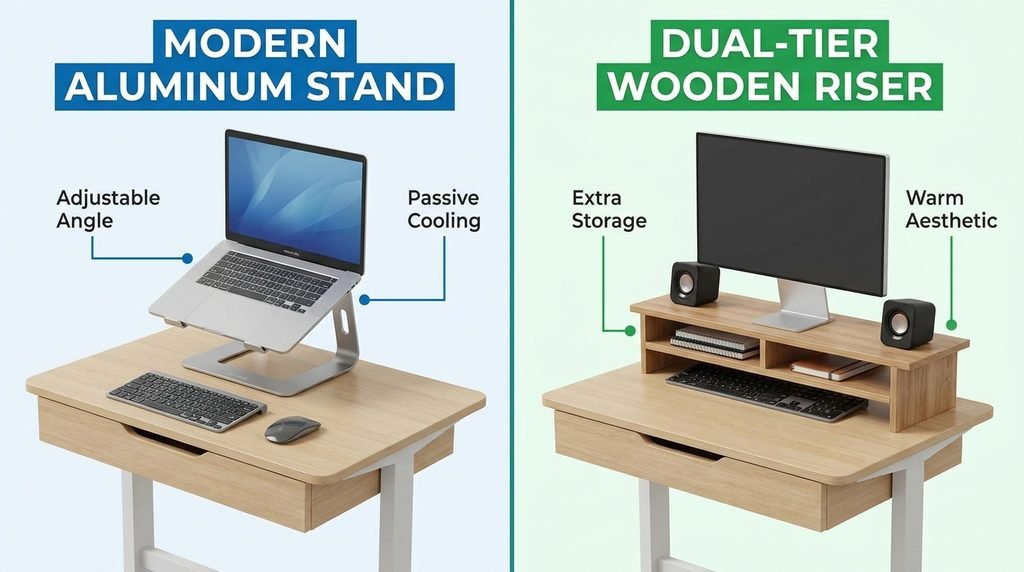
A personal, lightweight, and often foldable bracket designed to lift your laptop off the desk surface. Its main purpose is to bring your laptop screen closer to eye level, functioning as a laptop riser to improve your direct viewing angle (laptop stand vs monitor stand).
The Monitor Stand (Riser or Arm)
A platform or mechanical clamp designed to elevate a traditional external monitor. It generally comes in two forms:
- Monitor Riser: A miniature bench or shelf that sits on the desk, providing static height and a storage cavity underneath.
- Monitor Arm: A heavy-duty articulating bracket clamped to the back of the desk that allows your screen to float in mid-air, completely removing the footprint of a traditional monitor base.
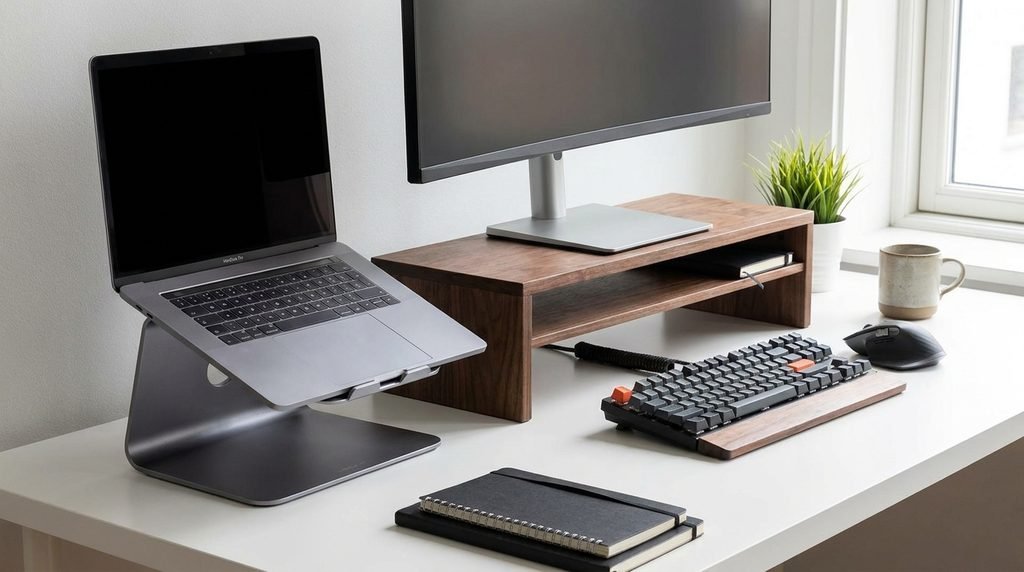
Laptop Stand vs. Monitor Stand: 10 Critical Small-Desk Criteria
To determine which space-saving desk accessory earns a spot on your compact desk, we compare them across 10 practical small-space criteria:
| Comparison Criteria | Laptop Stand | Monitor Stand (Riser / Arm) | Winner for Small Desks |
|---|---|---|---|
| Primary Screen Compatibility | Built strictly for laptops | Built for external displays | Tie (Depends on your device) |
| Pure Desk Space Reclaimed | Takes a medium footprint; no heavy storage below | Arm: 100% off-desk.Riser: Massive “garage” storage underneath | Monitor Stand |
| Ergonomic Adjustability | Typically limited to fixed angles (30–45°) or basic heights | Arm: Infinite micro-adjustability (tilt, swivel, depth, rotation) | Monitor Stand (Arm) |
| Portability & Hybrid Flexibility | Foldable, lightweight, and easily packed into a bag | Permanent, fixed setup; hard to move | Laptop Stand |
| Peripheral Dependency | Absolutely requires a separate keyboard and mouse to prevent wrist strain | You can use your existing keyboard directly on the desk or under-riser | Monitor Stand |
| Thermal & Cooling Management | Exposes the laptop’s underside to open air, boosting cooling | Does not directly affect laptop cooling (unless using a laptop tray mount) | Laptop Stand |
| Desk Strength Compatibility | Works safely on any flat surface, including glass and particleboard | Arm: Requires a sturdy desk to handle clamp tension | Laptop Stand / Riser |
| Multi-Screen Potential | Best as an auxiliary screen adjacent to a main monitor (laptop stand vs monitor stand) | Seamlessly supports dual or triple-monitor setups | Monitor Stand (Arm) |
| Setup Complexity | Zero installation; place it down and work | Arm: Requires VESA checks, clamping, and cable routing | Laptop Stand / Riser |
| Cable Management | Keeps cables elevated but does not actively hide them | Hides docks and power bricks underneath shelves or routes along arms | Monitor Stand |
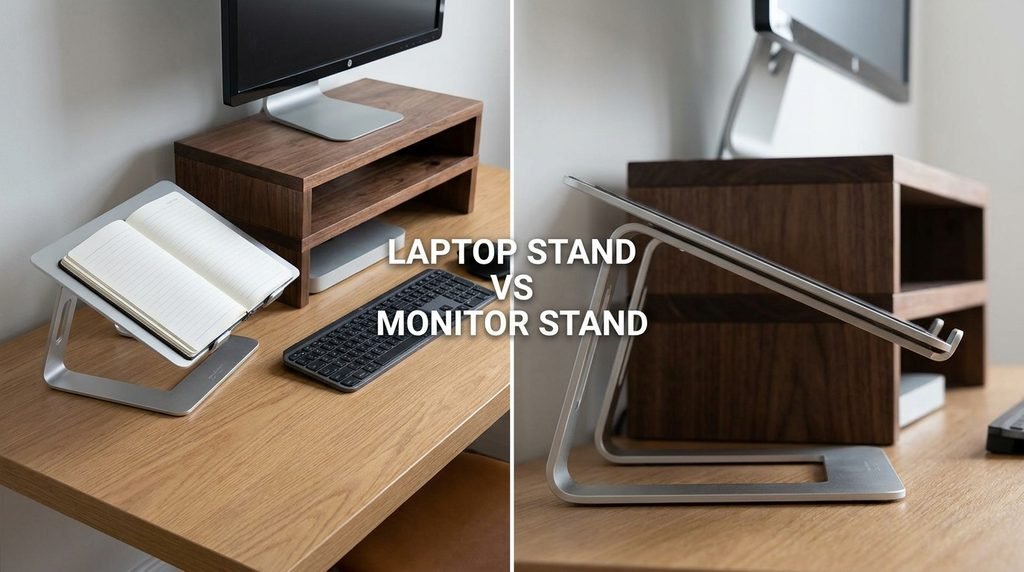
When to Choose a Laptop Stand (With Ergonomic Guidelines)
A laptop stand is the ideal choice for hybrid workers, students, remote professionals without a dedicated office, and anyone whose primary computing device is a laptop.
The Crucial Ergonomic Rule
Because a laptop’s screen and keyboard are physically connected, they violate the golden rule of ergonomics, which states that your screen and keyboard must be positioned independently. If you raise your laptop on a stand, do not type on the built-in keyboard. This places your wrists and shoulders at an awkward, unnatural angle.
Neutral Posture Tips
- External Peripherals: Always pair a laptop stand with a separate external keyboard and mouse.
- Elbow Angle: Position the separate keyboard at a height that allows your elbows to rest at a comfortable 90° angle, with your shoulders relaxed at your sides.
- Eye Alignment: Angle the elevated laptop screen so the top of the display is level with your eyes.
When to Choose a Monitor Stand (Riser vs. Arm)
A monitor stand is built for permanent remote workers, power users (such as planners, analysts, or developers), and anyone utilizing an external monitor as their primary workspace.
On a small desk, you face a major dilemma: Riser vs. Arm.
The Monitor Riser (Desk Shelf)
If your desk is slightly deeper (at least 24 inches) and you need to clear physical clutter, a riser is incredibly helpful. The open cavity beneath acts as a “garage,” allowing you to slide your mechanical keyboard and mouse completely out of the way at the end of the day. This transforms your desk back into a clean workspace.
The Monitor Arm
If your desk is incredibly shallow (under 24 inches), a riser will consume precious horizontal depth and push your keyboard too close to the front edge. In this case, a gas-spring monitor arm is the ultimate space-saving choice. By clamping to the back edge of your desk, it suspends your monitor in mid-air, freeing up the entire desk surface beneath it.
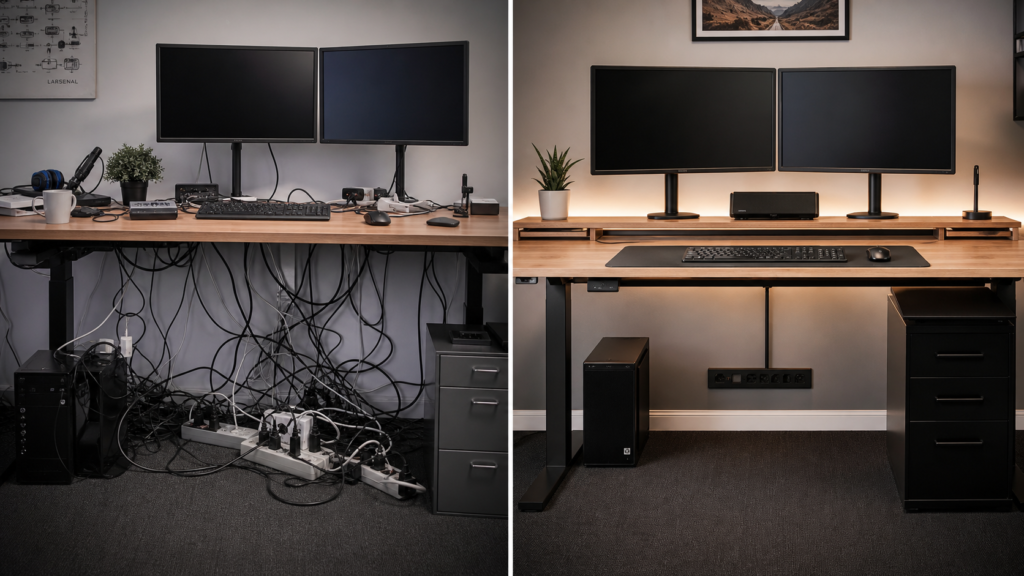
Cable Tip: Interested in hiding messy cords on a compact setup? Check out our Ultimate Desk Cable Management Guide to keep your small desk looking pristine.
Practical Small-Space Workstation Hacks
Before adding any products to your cart, use these free, battle-tested hacks to ensure your upgrade fits your real-world space:
- The “Book Stack” Test: Before buying a fixed monitor riser, stack several heavy books under your monitor or laptop. Work this way for a full day to test different heights. It will instantly reveal if a 4-inch or 5-inch riser matches your eye level before you spend a dime.
- The Closed Laptop “Vertical Stand” Route: If you use an external monitor on a tiny desk and your laptop remains closed during work, do not buy a traditional laptop stand. Instead, use a vertical laptop stand. This places your laptop in a secure vertical slot, reducing its desktop footprint to almost nothing.
- Verify Your Desk Construction: Small desks are often built from lightweight materials (like hollow-core IKEA cardboard or thin glass). Clamping a heavy-duty monitor arm to a fragile, hollow-core desk can crack or warp the surface over time. If your desk is fragile, choose a monitor riser or laptop stand, as they distribute weight flat across the surface.
Recommended Small-Space Setup Gear (Amazon Affiliate Picks)
These products are selected based on real utility for small, ergonomic home offices:
For the Portable Hybrid Worker
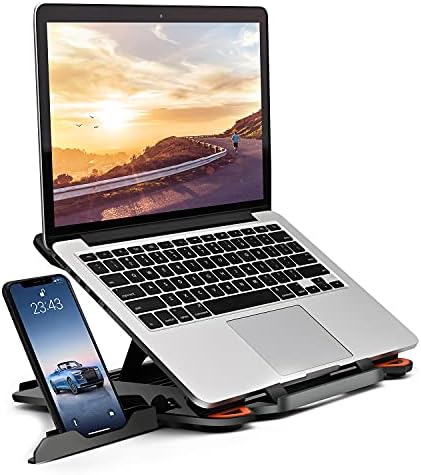
- Besign LS10 Aluminum Laptop Stand: Highly adjustable, lightweight, and supports up to 13 lbs. Ideal for raising your laptop screen to eye level anywhere.
- Roost Laptop Stand: Extremely compact, fold-flat design that easily fits into a backpack, perfect for pairing with a travel keyboard.
For 360-Degree Team Collaboration
- Vaydeer Adjustable Laptop Stand with 360° Rotation Base: Features a smooth swivel base, allowing you to quickly share your screen with a partner or roommate.
For the Clamped Space-Saver
- Mount Pro Single Monitor & Laptop Arm: A heavy-duty, fully adjustable gas-spring arm that includes a VESA-compatible laptop tray. Perfect if you want to swap between holding an external screen or a floating laptop.

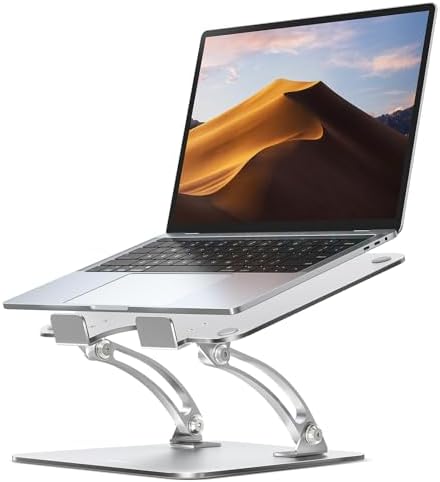

For Sleek Under-Screen Storage
- Vaydeer Metal Desktop Monitor Stand Riser: A durable metal riser that raises your screen while providing a spacious “garage” storage cavity below for keyboards and hubs.
Conclusion: The “Quick-Decision” Blueprint
To choose the perfect workspace tool, start with the reality of your setup, not just what looks good online.
- Buy a laptop stand if your laptop is your main screen, you value portability, and you use external peripherals.
- Buy a monitor arm if your external monitor takes up too much room on a shallow desk, and you want infinite adjustability.
- Buy a monitor riser if you have a sturdy, deeper desk and want an easy, stylish way to lift your screen while gaining storage underneath.
Ready to eliminate forward-neck slouching once and for all? Explore the Vaydeer Metal Desktop Riser or the highly flexible Mount Pro Single Arm on Amazon today to reclaim your physical space and support your posture!
Frequently Asked Questions (FAQ)
1. Do I need a separate keyboard if I use a laptop stand?
Yes, absolutely. Typing directly on an elevated laptop stand places your wrists and shoulders at an awkward, unnatural angle. Always pair your stand with a separate external keyboard and mouse to maintain proper ergonomics.
2. Can I use a monitor arm on a glass or fragile desk?
No, monitor arms require a sturdy desk surface to handle clamp tension. Clamping a heavy-duty arm to a thin glass desk or hollow-core IKEA cardboard desk can warp, crack, or destroy the surface over time. If your desk is fragile, choose a monitor riser or a flat laptop stand to distribute the weight safely.
3. Is a monitor riser or monitor arm better for shallow desks?
A monitor arm is much better for shallow desks (under 24 inches). A monitor riser will consume too much horizontal depth, pushing your keyboard too close to the front edge. The monitor arm clamps to the back edge and suspends your screen in mid-air, leaving the desk space below completely clear.
4. Does a laptop stand help cool down my laptop?
Yes. Laptop stands lift the device off the flat desk, exposing the underside of the laptop to open air. This helps dissipate heat and improves thermal cooling, which doesn’t occur with a standard monitor stand unless it uses a specialized laptop tray.
5. What is the easiest way to find my ideal screen height?
You can use the “Book Stack” test. Stack several heavy books under your laptop or monitor and work like that for a full day. This helps you identify if a 4-inch, 5-inch, or higher riser matches your eye level before you purchase any gear.